· UBIK365 Kft.
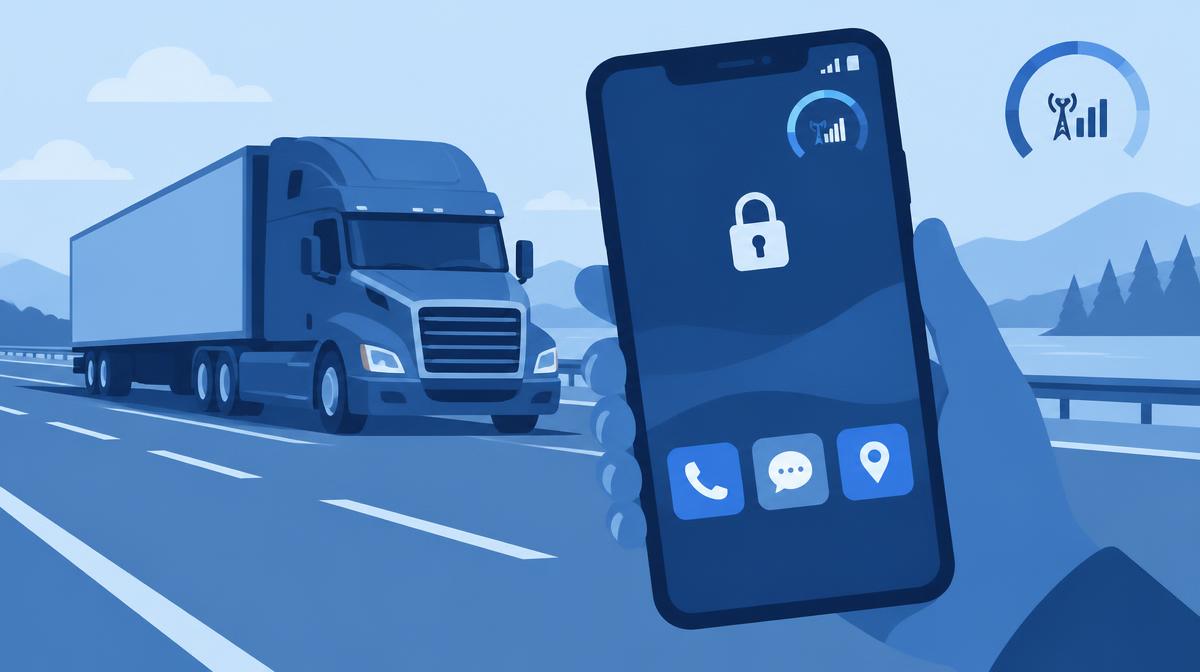
10 GB of mobile data gone in a few days, settings changed by accident, manual app updates – and what a central console can do about it.
On part of the Waberer's International Kft. fleet, up to 10 GB of mobile data was used up on a driver phone within a few days – on browsing, TikTok and YouTube. The case was published on the Sofortelefon.hu blog; here we look at the needs it raised and how they map to the central device management features of Samsung Knox Manage.
The starting point: a work tool had become a general smartphone
A driver phone is meant to be a dedicated work tool: jobs arrive on it, CMRs are sent from it, and drivers coordinate with dispatchers on it. In practice, though, a smartphone can be used for anything. On the Waberer's fleet it happened that a single phone ran up to 10 GB of traffic during a multi-day trip – not for work, but for videos and browsing.
According to the source, this had two consequences. One was high bills, especially when roaming. The other was worse: when data runs out, communication stops. The driver can't send the CMR or receive details of the next job, and delays can trigger contractual penalties. In extreme cases, communication with a single phone could be disrupted for weeks.
The third factor was settings: if a driver accidentally changed something in system settings, the dispatcher had to talk them through the fix by phone. Per driver this is minutes; across the fleet it adds up to half days every week.
Why a policy document is not enough
Waberer's experience matches that of many fleets: rules matter, but without a technical limit they can't be enforced. The device doesn't tell work from private use – only a centrally managed configuration can. The solution therefore had to work at system level.
What was introduced on the fleet
On the Waberer's fleet, the change was delivered by the Sofortelefon.hu remote device management service. The driver sees a single screen with three things on it: the apps needed for work (dispatch, client and CMR apps), calls and SMS. YouTube, TikTok, the browser, the system settings menu and every other non-work app are blocked.
In addition, fleet operations install and update work apps remotely – both Google Play apps and custom client-developed ones – log in to the phone remotely when a driver needs help, and centrally control what is allowed, for whom.
How these needs map to Knox Manage features
App allow and block lists, kiosk
In Knox Manage, Kiosk Wizard lets you build a home screen that only offers selected apps – for example the dispatch app, the CMR app, the dialler and messages. App allow and block lists can also prevent the browser or video apps from running.
Device feature restrictions
A policy profile can block access to the settings menu and the public app store, so drivers can't accidentally change network or notification settings. On Galaxy devices, Knox Platform for Enterprise policies provide further, more granular restrictions.
Event-based policies
Where a rule has to adapt to the situation, event-based policies help: while roaming a stricter data restriction can apply, after a SIM change a protective policy, and outside working hours looser rules. SIM Change and Roaming events are available on Android devices.
Central app deployment and remote support
Managed Google Play apps and in-house packages can both be deployed and updated centrally per device group. If something still goes wrong, Knox Remote Support lets IT see and control the driver's Android phone live – the phone doesn't need to come back to the depot.
What the numbers showed at Waberer's
According to the source, mobile data use returned to the driver phones' original purpose: a few megabytes for CMRs and messages, at most a few tens of megabytes a day. Communication now works reliably on a much smaller data plan, and the risk of penalties caused by phone problems has fallen.
“90% of manual configuration tasks related to driver phones have disappeared. Several FTEs of work have been freed up from the process.”
The source also states that the system's full three-year implementation and operating cost paid for itself within a few months. These are results measured at Waberer's; on another fleet the effect depends on the devices and processes involved.
What to take away
- Make restrictions technical, not just written: what the driver can't open doesn't use data.
- Centralise updates of custom client apps too – done by hand, this is the most time-consuming task.
- Plan for remote support: some issues can't be prevented, but they can be fixed without a site visit.
- Start with a pilot device group and extend to the fleet from there.
If similar questions have come up on your fleet, we're happy to walk through how all this is set up in Knox Manage – get in touch using the contact details below.