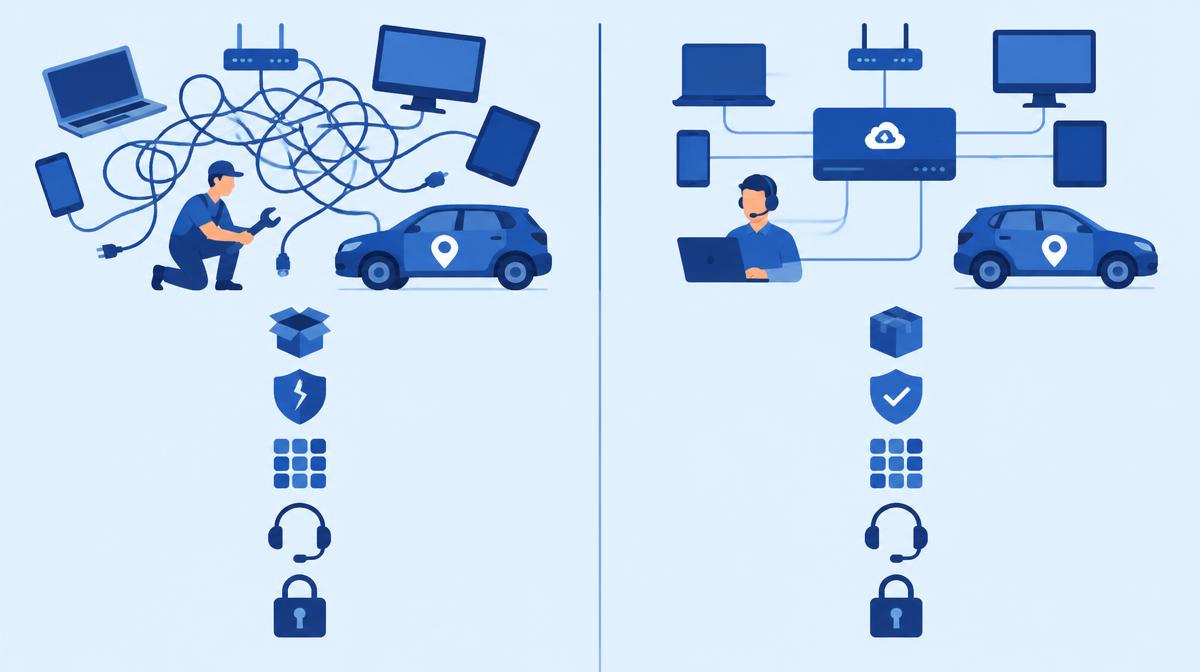
Your company devices in one console – with rules that apply themselves
Samsung Knox Manage is cloud-based device management for Galaxy, other Android, iOS, Windows and ChromeOS devices. Policies by time, location and network, kiosk mode, live remote support from the console – and the widest range of settings on Galaxy devices.
Included in Knox Suite Essentials and Enterprise Plan, also available as a standalone Knox Manage licence. Remote support (Knox Remote Support) comes with every option.
Our specialists help you choose the licence, set it up and run it.
What Knox Manage does in practice
Rules that apply themselves
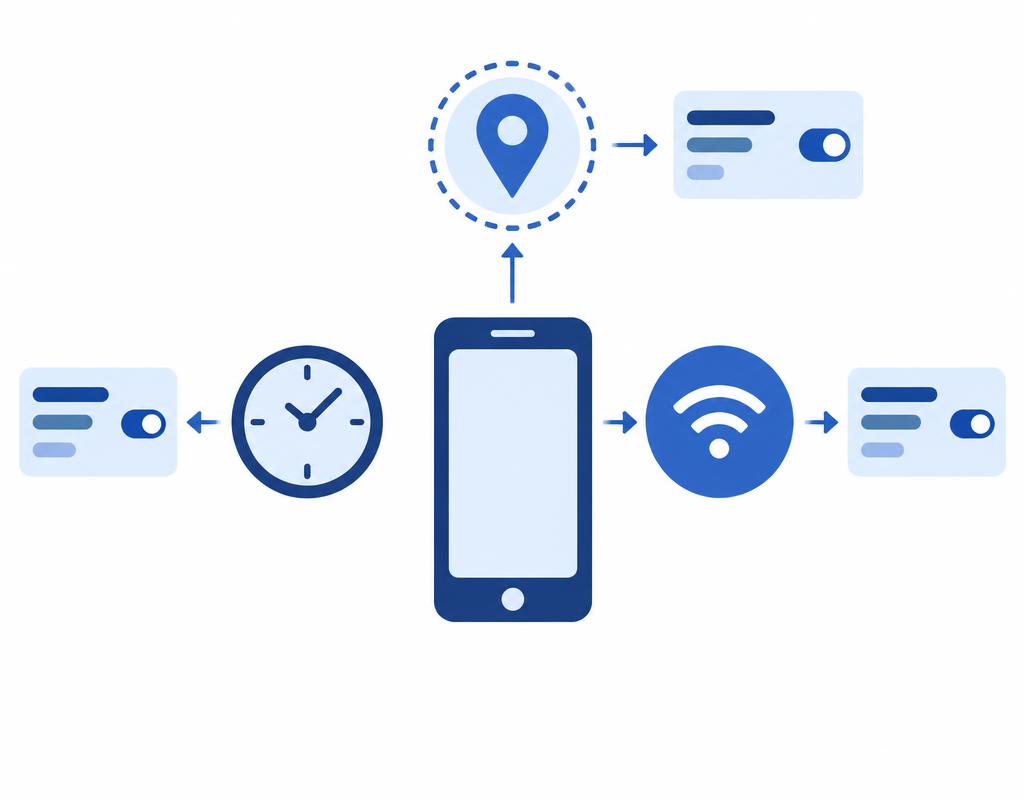
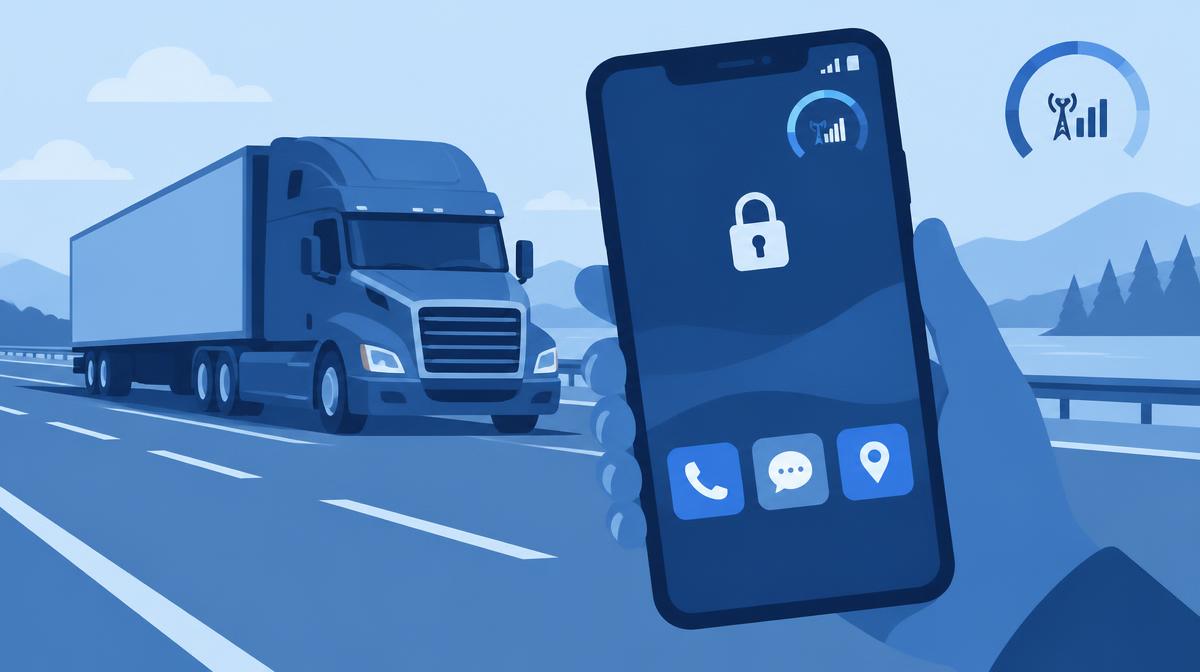
Different rules apply during and after working hours, on a specific Wi-Fi network, after a SIM change or while roaming, or inside a defined area. The camera, for example, can be blocked automatically at a given site.
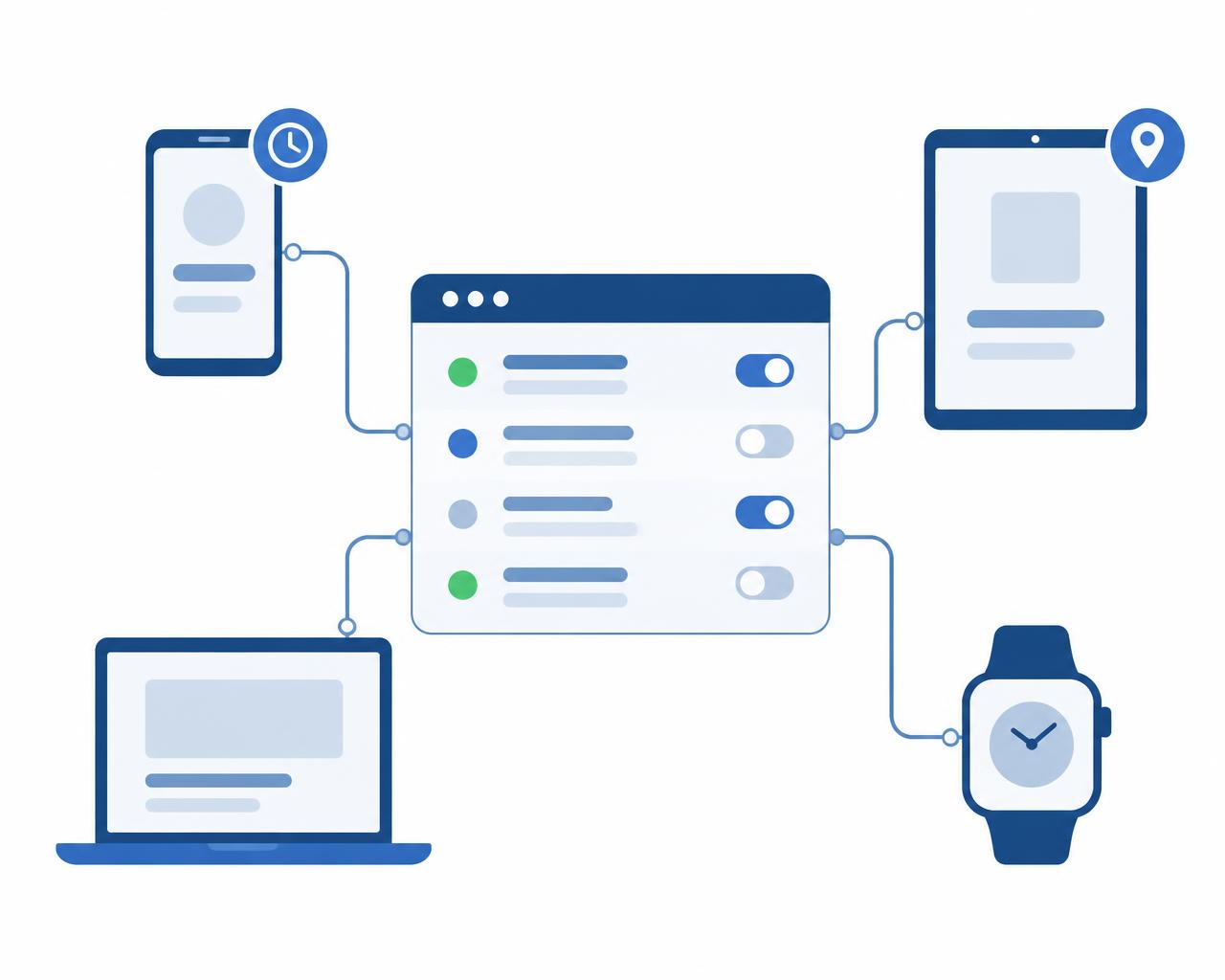
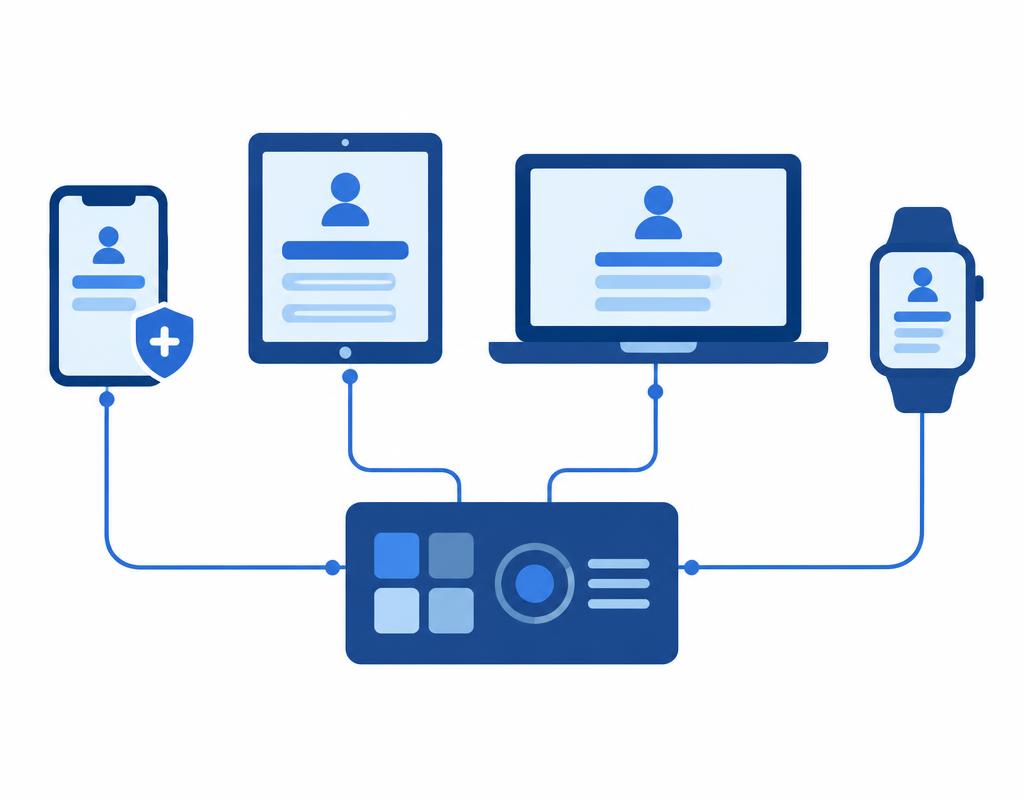
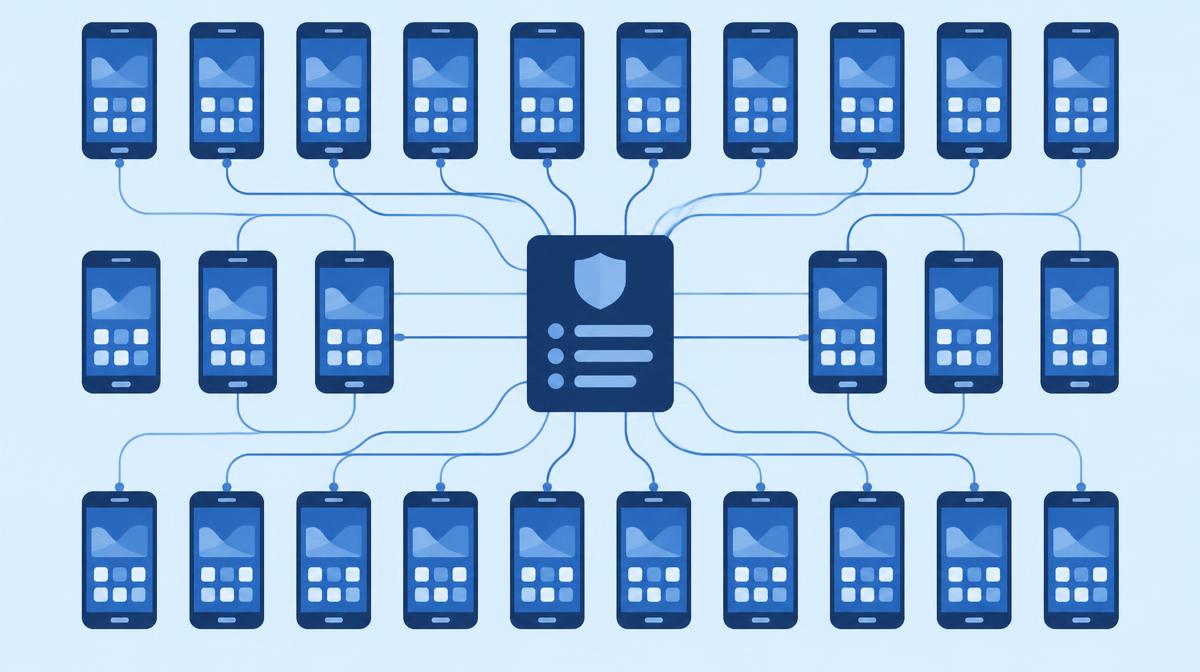
Manage Android, iOS/iPadOS, macOS, Windows, ChromeOS and Wear OS devices from one cloud console. Windows and ChromeOS devices use the same licence; most settings are available on Galaxy devices.
Intune and Entra conditional access for your Android fleet
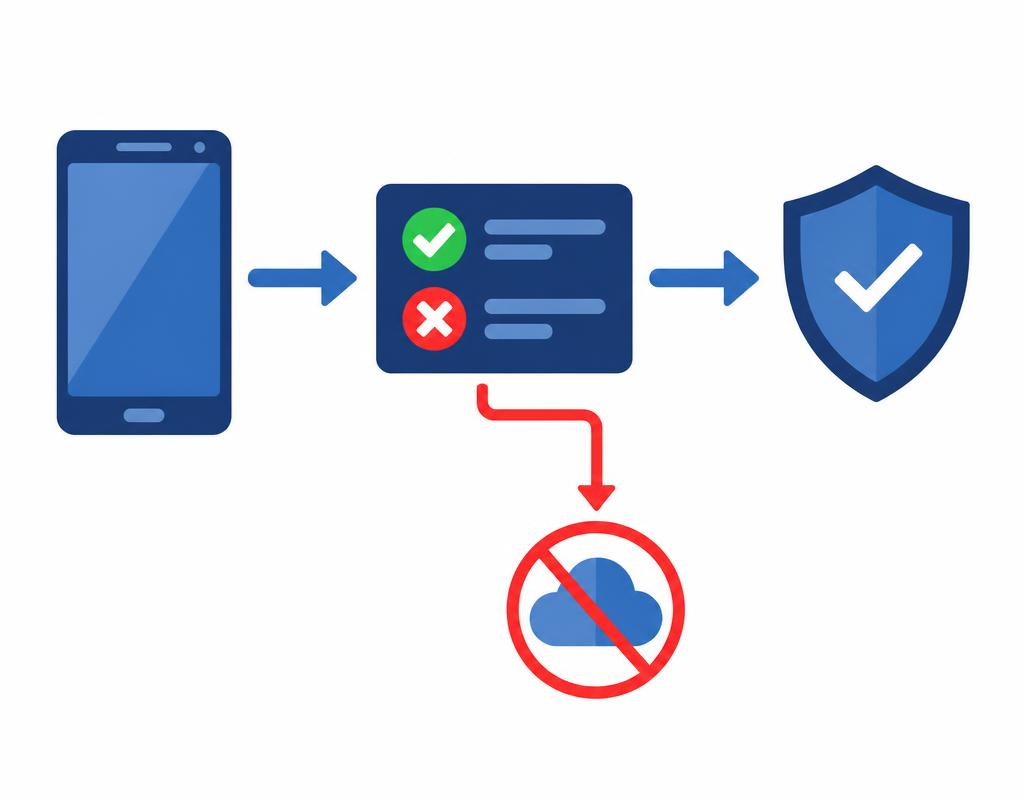
Knox Manage evaluates compliance rules on Android devices and passes the result to Microsoft Entra ID. A non-compliant device can automatically lose access to company resources.
Event-based policies: the rule follows the context
In Knox Manage, events can be attached to a policy profile. When an event occurs, a different set of settings takes effect on the device automatically.
Available event types: Day & Time, Application, Wi-Fi network (SSID), SIM Change, Roaming and Geofencing.
IT no longer has to switch restrictions on and off by hand: looser rules after hours, stricter ones on site, and protective ones after a SIM change are applied automatically.
Practical examples
Camera and screenshots blocked on the factory floor, allowed again outside.
After working hours company apps remain available while mobile data use is limited.
After a SIM change the device immediately receives a stricter policy and the admin is notified.
Good to know: The Day & Time event also works on iOS; SIM Change and Geofencing events work on Android devices only. Event-based policies are configured in the original console.
A mixed device fleet in one console
Knox Manage handles Samsung Galaxy and other Android devices, iPhones and iPads, macOS, Windows and ChromeOS computers, and Wear OS smartwatches from a single cloud console.
Apps can be deployed from Managed Google Play, the App Store or as in-house packages; each device group can have its own settings and policies.
Windows and ChromeOS devices use the same Knox Manage licence – no separate licence is needed. The widest range of settings, through Knox Platform for Enterprise policies, is available on Galaxy devices.
Practical examples
Field Galaxy tablets, office iPhones and Windows laptops in the same device list.
A new version of an in-house Android app rolled out to the whole fleet in one step.
Separate policies for warehouse, sales and management device groups.
Good to know: The new Knox Manage console is designed for fully managed Android devices; iOS, Windows, macOS and ChromeOS devices are managed in the original console. Both consoles share the same account and device fleet, and settings stay in sync.
Screen sharing and remote control from the console (Knox Remote Support)
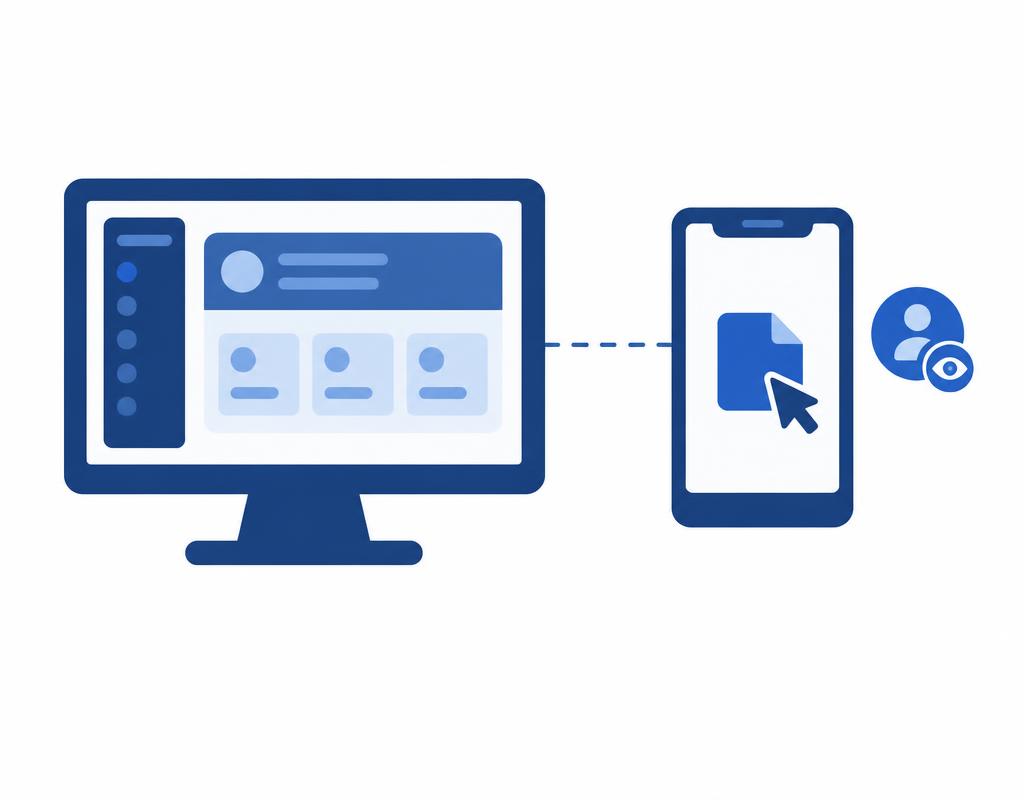
Knox Remote Support starts from the Knox Manage console: the administrator sees the user's Android screen live, can take control, capture screenshots and recordings, and send files to the device.
Permission levels are tied to roles (“view only” or “control device during the session”), and you decide whether a session may start without the user's approval.
Problems can be solved without an on-site visit or sending the device in.
Practical examples
A warehouse worker can't find the new inventory app icon – the admin shows it on their screen in two minutes.
Fixing a wrong Wi-Fi setting at a site in another city.
Sending a new configuration file to the device during the session.
Good to know: Remote support is documented for Android devices (the agent installs from Google Play). On non-Samsung devices and with a work profile, the user must consent to the session. Knox Remote Support is not documented for iOS devices.
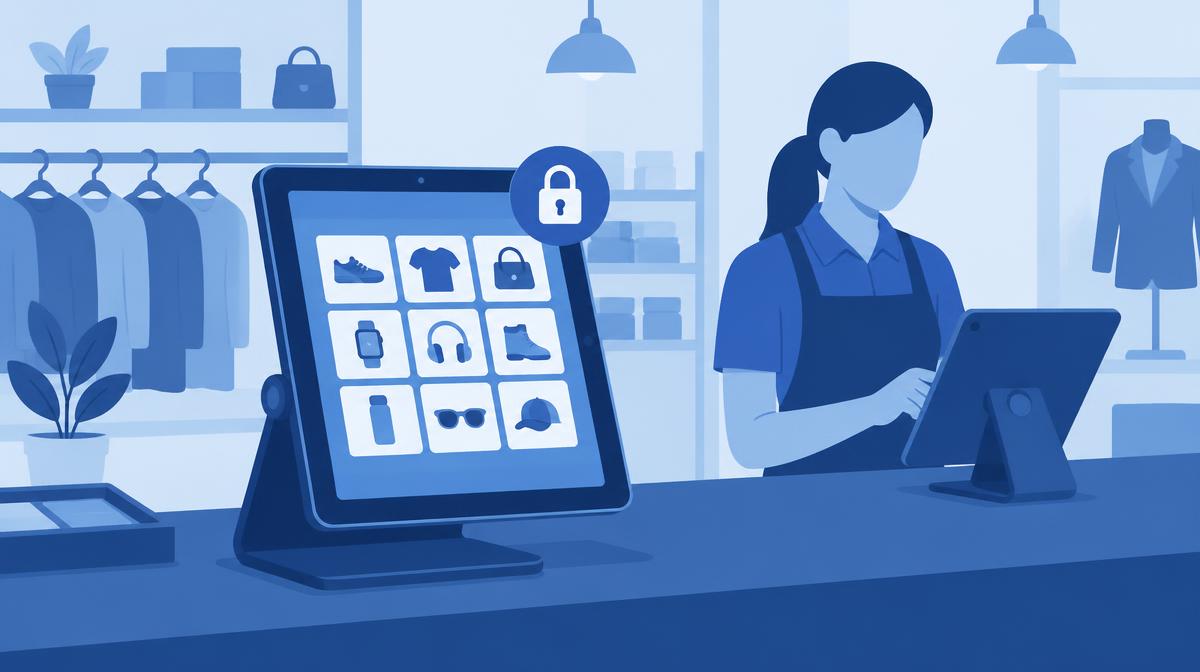
With Kiosk Wizard (original console) and Kiosk builder (new console, for multi-app kiosks) you can build single- or multi-app kiosks: custom layout, folders, clock, calendar, banner, Knox Browser and allowed background apps.
The device can only be used for the assigned task; access to the settings menu and public app stores can be blocked. There is no need to buy or develop a separate kiosk launcher.
Kiosk mode is also available on Android Enterprise, Windows 10/11, iOS/iPadOS (app lock), ChromeOS and Wear OS devices.
Practical examples
An in-store tablet running only the product catalogue and a browser.
A warehouse handheld with two allowed apps and a company banner.
A waiting-room tablet locked to a single app, with your own logo.
Good to know: On devices with Android 15 or later, the colour of the kiosk bar can no longer be changed since Knox Manage version 25.07.
Lost device: lock, suspend, selective wipe
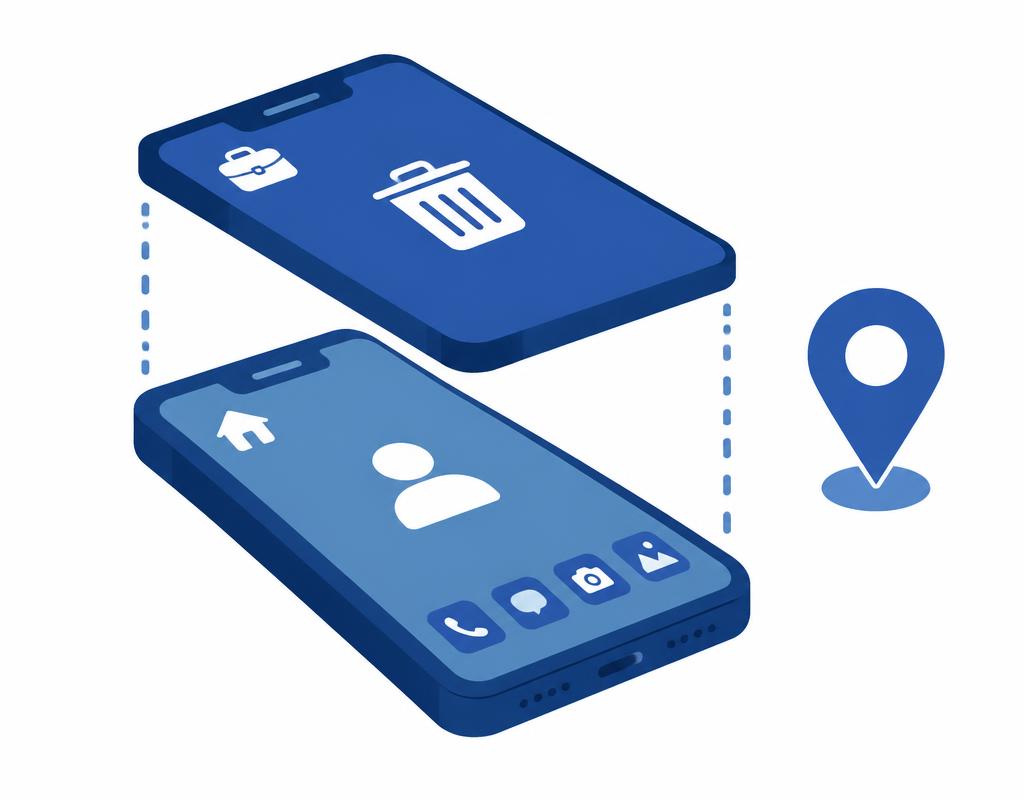
If a device is lost or stolen, it can be locked or suspended remotely from the console, and you can wipe the entire device or – with a work profile – only the company work profile, leaving personal data untouched.
The device's last known location can also be displayed.
The same selective wipe works for a departing employee's own device: company data is removed, private content stays.
Practical examples
Lost company phone: immediate lock, then removal of the work profile.
Only company apps and data removed from a departing employee's BYOD device.
Viewing the last known location of a stolen device in the console.
Good to know: Available device commands differ by platform and management mode – iOS, for instance, has a different command set than Android.
Microsoft Intune compliance partner: conditional access for the Android fleet
From version 26.10, Knox Manage acts as a Microsoft Intune compliance partner for Android devices: Knox Manage evaluates the compliance rules set in the console (e.g. password, encryption, OS version) and passes the result to Microsoft Entra ID.
An Entra ID conditional access policy then only lets compliant devices registered in Knox Manage reach company resources such as Microsoft 365. A non-compliant device can be locked and the admin can be notified.
In a Microsoft 365 environment, Knox Manage is therefore not a rival but a complement to Intune and Entra ID.
Practical examples
Company Outlook opens only on compliant Android devices registered in Knox Manage.
If the security patch level expires, the device automatically drops out of access until it is updated.
Good to know: The feature is available in the new console and for Android devices only; on the Microsoft side Intune and Entra ID P1 licences are required. Knox Manage does not provide a compliance signal for iOS devices.
Galaxy devices uploaded to Knox by the reseller enrol in Knox Manage automatically on first boot (Knox Mobile Enrollment, free in every Knox Suite plan and with the Base Plan). Enforced enrolment – the device locks if it doesn't enrol in time – is part of the Enterprise Plan.
App deployment from one place
Public apps from Managed Google Play and the App Store, in-house apps as your own packages, targeted per group, with silent installation where the platform allows it.
Galaxy-specific policies at no extra cost
Knox Platform for Enterprise policies (Galaxy settings beyond Android Enterprise) are managed through Knox Service Plugin; the KPE Premium licence is free in every plan. According to Samsung's documentation, Knox Manage offers around 300 enterprise policies.
How to get Knox Manage
Knox Manage can be purchased in three ways. The options include different services – we agree on the exact composition and the right setup for your device count when you request a quote.
Knox Suite – Essentials Plan
Knox Manage
Knox Remote Support
Knox Mobile Enrollment (standard)
Knox Platform for Enterprise
Device management and remote support in one licence.
Knox Suite – Enterprise Plan
Everything in the Essentials Plan
Knox E-FOTA – firmware version lock and scheduled OS updates on Galaxy devices
Knox Asset Intelligence – fleet diagnostics
Knox Mobile Enrollment Advanced settings – enforced enrolment
Knox Capture
Knox Authentication Manager
Upgradeable from the Essentials Plan via SKU change; settings and devices are kept.
Standalone Knox Manage licence
Knox Manage
Knox Remote Support
Without a Knox Suite plan – if you only need device management.
Trial: the Knox Suite trial licence can be used for 3 months on up to 30 devices, with the full Enterprise Plan feature set. After purchase, trial settings and devices are kept. We help you request the trial licence.
Knox Configure is a separately licensed product and is not part of the Knox Suite plans.