· UBIK365 Kft.
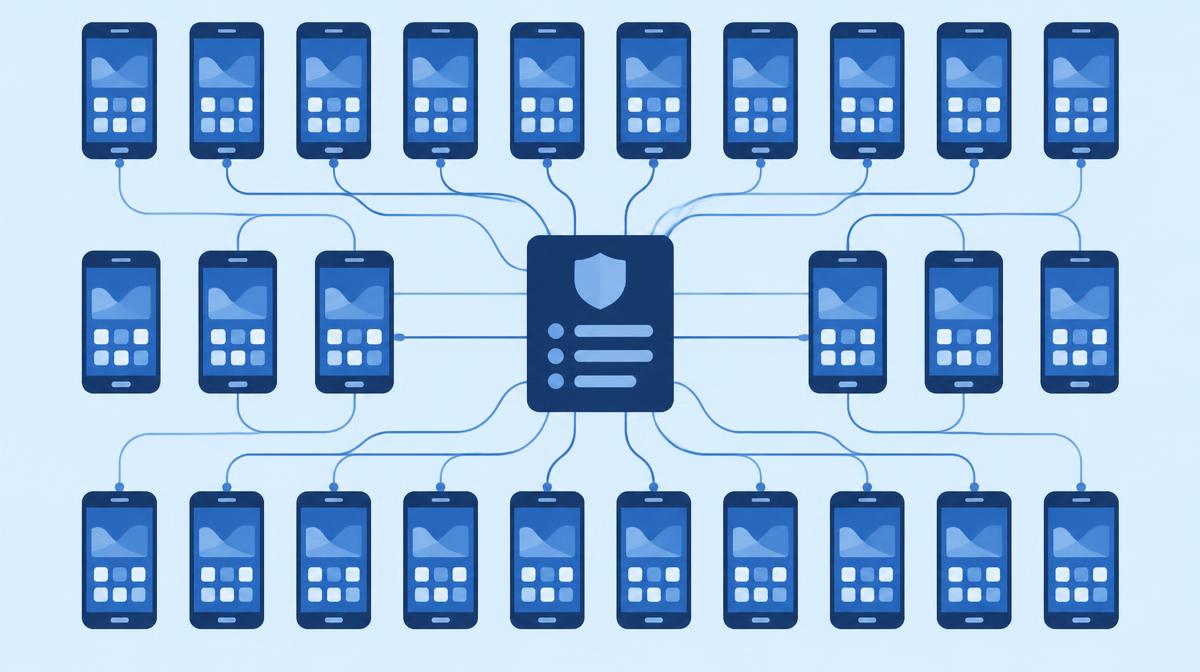
More than 400 phones, each configured differently – and how they become one centrally managed fleet.
The BHS Trans Kft. fleet had more than 400 driver phones – practically every one configured differently. The case was published on the Sofortelefon.hu blog. In this article we walk through how central, uniform configuration and deployment is built in Samsung Knox Manage: policy profile, device groups, app deployment and automatic enrolment of Galaxy devices.
The starting point: 400 phones, 400 different configurations
Phones arrived gradually: a new driver, a broken device, a new client requirement. Each was set up by hand by someone – not always the same colleague, and not always the same way. Over the years this led to different wallpapers, app layouts, permissions and notification settings.
It became painful whenever something had to change: a new client app, a new company rule or a security requirement would have meant going through 400 phones one by one – assuming the phones were reachable rather than somewhere on Europe's roads.
Three requirements on one platform
BHS Trans defined three needs:
- Uniform settings that are easy to change – changes made in one place, not on 400 phones.
- Phone restriction and kiosk mode – drivers may only use the device for work.
- Corporate branding – logo, wallpaper and a consistent look that can be changed remotely.
According to the source, the Sofortelefon.hu remote device management system delivered this on the BHS Trans fleet: drivers see a simple view with company apps and calling; the browser, YouTube, TikTok, system settings and every non-company app are blocked; and the company logo and wallpaper were rolled out centrally and can be changed as needed.
How the same is built in Knox Manage
1. Policy profile – the uniform starting point
In Knox Manage, settings are organised into policy profiles. A profile contains the restrictions (e.g. blocking the settings menu and app store), home screen and kiosk settings, wallpaper and network settings. When the profile changes, the change goes out to every device assigned to it.
2. Device groups – who gets what
Devices are placed in groups – for example drivers, dispatchers, office staff – and each group can have its own profile. The fleet stays uniform while different roles receive different settings.
3. Kiosk and branding
Kiosk Wizard is used to build the driver view: company apps, the dialler, your own banner and wallpaper. Branding elements can be swapped in the profile, so a campaign or rebrand reaches every phone in a few clicks.
4. App deployment
Managed Google Play apps and custom, non-store packages are deployed and updated centrally in the same way, targeted per group.
5. Knox Mobile Enrollment for Galaxy devices
For new phones, Knox Mobile Enrollment completes the process: Galaxy devices uploaded to Knox by the reseller enrol in Knox Manage automatically on first boot and receive the profile assigned to their group. There's no manual preparation, and the “every phone is different” state doesn't creep back.
The results at BHS Trans
“90% of driver-phone tasks have been automated, a full employee's time has been freed up, and errors and communication outages related to mobile data running out or phones being misconfigured have disappeared.”
According to the source, two types of problem disappeared almost entirely: those caused by running out of mobile data (because video apps and the browser don't run) and those caused by misconfigured phones (because drivers can't access system settings). Troubleshooting also became simpler, because every phone starts from a known, uniform state.
What to take away
- Make uniform configuration the starting point, not a later goal.
- Plan device groups and profiles by role.
- Use Knox Mobile Enrollment for new Galaxy devices so every device starts from the same state.
- Manage branding centrally too, so it stays changeable.
If your fleet is in a similar situation, we're happy to design the policy profiles and groups with you – get in touch using the contact details below.